




POS and reservation integrations.
Connect Annoncer with the systems your restaurant already uses. From POS software to reservation platforms, bring relevant order and guest information together to support a smoother service.
With the right POS integration, your team can continue working with familiar tools while Annoncer makes the information available where it is needed in the kitchen.
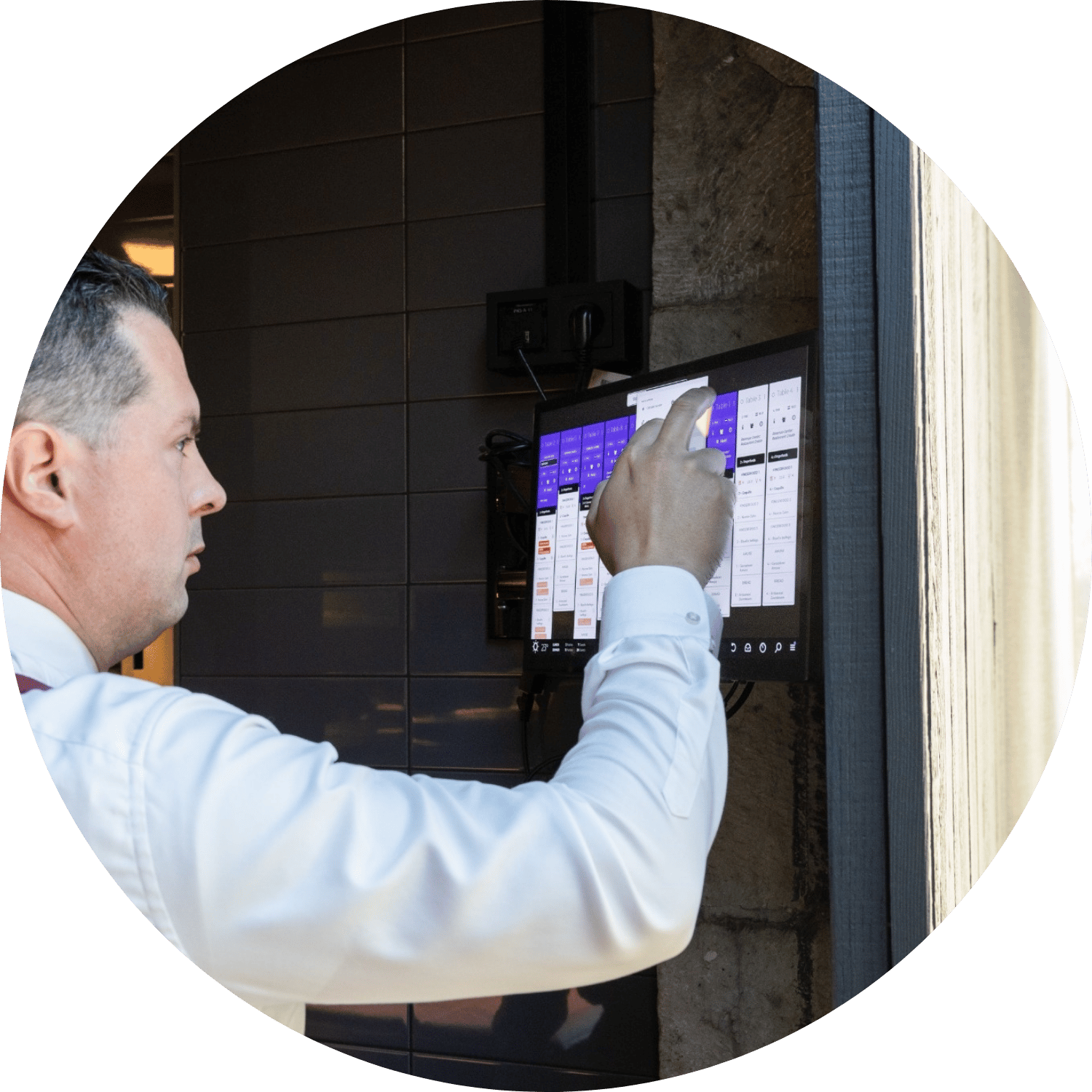
How does a POS integration work?
A restaurant POS integration connects order entry with kitchen preparation. The exact process depends on the POS provider and the integration available.
1. POS system
The order is entered into the restaurant's POS.

Annoncer station
Order information is received and organised. . 
Kitchen stations
Relevant dishes appear at the appropriate stations.
Explore our integrations.
Find out which POS and reservation platforms connect with Annoncer. Browse our restaurant POS integrations and reservation partners to explore the systems available for your operation.
Whether you use a POS to manage orders or a reservation platform to manage guest information, the aim is to make relevant information available to the right people during service.
-
All
-
POS
-
Reservations

NCR Aloha
NCR AlohaTO WEBSITE

Breeze
BreezeTO WEBSITE

Cashpad
CashpadTO WEBSITE

CoverManager
CoverManagerTO WEBSITE

FRANK
FRANKTO WEBSITE

GoTable
GoTableRead More

Guestplan
GuestplanTO WEBSITE

Infor POS
Infor POSTO WEBSITE

Shiji - Infrasys
Shiji - InfrasysTO WEBSITE

Inline
InlineTO WEBSITE

Lightspeed L & K
Lightspeed L & KTO WEBSITE

Micros Simphony
Micros SimphonyTO WEBSITE

Open One POS
Open One POSTO WEBSITE

RestoManager
RestoManagerTO WEBSITE

Restomax
RestomaxTO WEBSITE

SevenRooms
SevenRoomsTO WEBSITE

NCR Aloha
NCR AlohaTO WEBSITE

TableCheck
TableCheckTO WEBSITE

TableFever
TableFeverTO WEBSITE

TablePath
TablePathTO WEBSITE

The Fork
The ForkTO WEBSITE

Trivec
TrivecTO WEBSITE

Until POS
Until POSTO WEBSITE

Volante
VolanteTO WEBSITE

WeReserve
WeReserveTO WEBSITE

Winston POS
Winston POSTO WEBSITE

Zenchef
ZenchefTO WEBSITE